Page 1 of 2
RE UPLOADING PIC'S
Posted: Sun Jan 20, 2013 4:57 pm
by baz57
i have spent hours messing about with my pics because the were too big got that sorted only to be told that i cannot as the "board" had reached its maximum ???? any suggestions ???
Re: RE UPLOADING PIC'S
Posted: Sun Jan 20, 2013 5:01 pm
by SimonHobson
People are sticking them elsewhere and linking to them. Personally I've made a page on my website for them, others are using various public photo uploading sites.
Re: RE UPLOADING PIC'S
Posted: Sun Jan 20, 2013 5:07 pm
by Gilbertd
See my reply in your other thread.
Re: RE UPLOADING PIC'S
Posted: Mon Jan 21, 2013 8:59 pm
by classicswede
Could we not have a sticky on how to use photobucket for pics on here?
Common question that keeps popping up
Re: RE UPLOADING PIC'S
Posted: Tue Jan 22, 2013 12:49 pm
by john_d
This is a quick guide to using Photobucket, if you already have a Photobucket account, know how to upload pictures to it and just need to find out how to show your image in a forum post please scroll down to Part 3.
Part 1: To Create an Account on Photobucket:
Go to:
http://photobucket.com/
Click the “Sign Me Up” button
The next screen will take you to your Photobucket Account, on top there will be a dialogue box that ask if you would like your default albums to be public or private. Photobucket recommend public, but the choice is yours. Public means anyone who has access to the web can stumble upon your album, keep this in mind when choosing and also later one when deciding what photos you want to upload there, you may add pics you would prefer to keep private!
After choosing Public or Private, click Save and you will now be in your default album and can start uploading pictures.
Part 2: Uploading to Photobucket.
Log into Photobucket
Click the large green “Upload Images and Videos” button
A box opens that allows you to search on your own computer’s hard drive for the images you have saved there and want to upload
Browse until you find the image you want to upload and double click it.
Photobucket will now upload your picture to your album
Once the upload is complete you are taken to a screen where you can add things like a title to the image, you can also add descriptions, none of this is necessary, but you may find it useful to give the images titles as later on when you have a lot of stuff in your album you may find the titles help you to find a particular more easily.
To view your album from this screen click on the “view album”, in your album you can see thumbnail pictures of each image you have uploaded.
Part 3: Showing you image in a forum post.
Once in your album, under the thumbnail of image you will see "IMG code", click in that box once with you mouse and the code inside the box will be highlighted with a blue highlight, RIGHT click your mouse
A pop-up menu opens – choose copy from the menu.
On the forum you wish to show your image, right click your mouse and this time choose “Paste” from the pop-up menu
The IMG Code you copied from Photobucket will now appear in your post.
Click "submit" and in the saved post your photo will appear.
Re: RE UPLOADING PIC'S
Posted: Fri Feb 22, 2013 6:25 pm
by john_d
classicswede wrote:thread bump - can this be made a sticky?
only by Damien.
Re: RE UPLOADING PIC'S
Posted: Fri Feb 22, 2013 10:56 pm
by classicswede
Typical

We know his mind is on other things but we could do with a mod that can do the basic stuff like that.
John you need more power

Re: RE UPLOADING PIC'S
Posted: Mon May 06, 2013 5:09 pm
by andy evans autogas
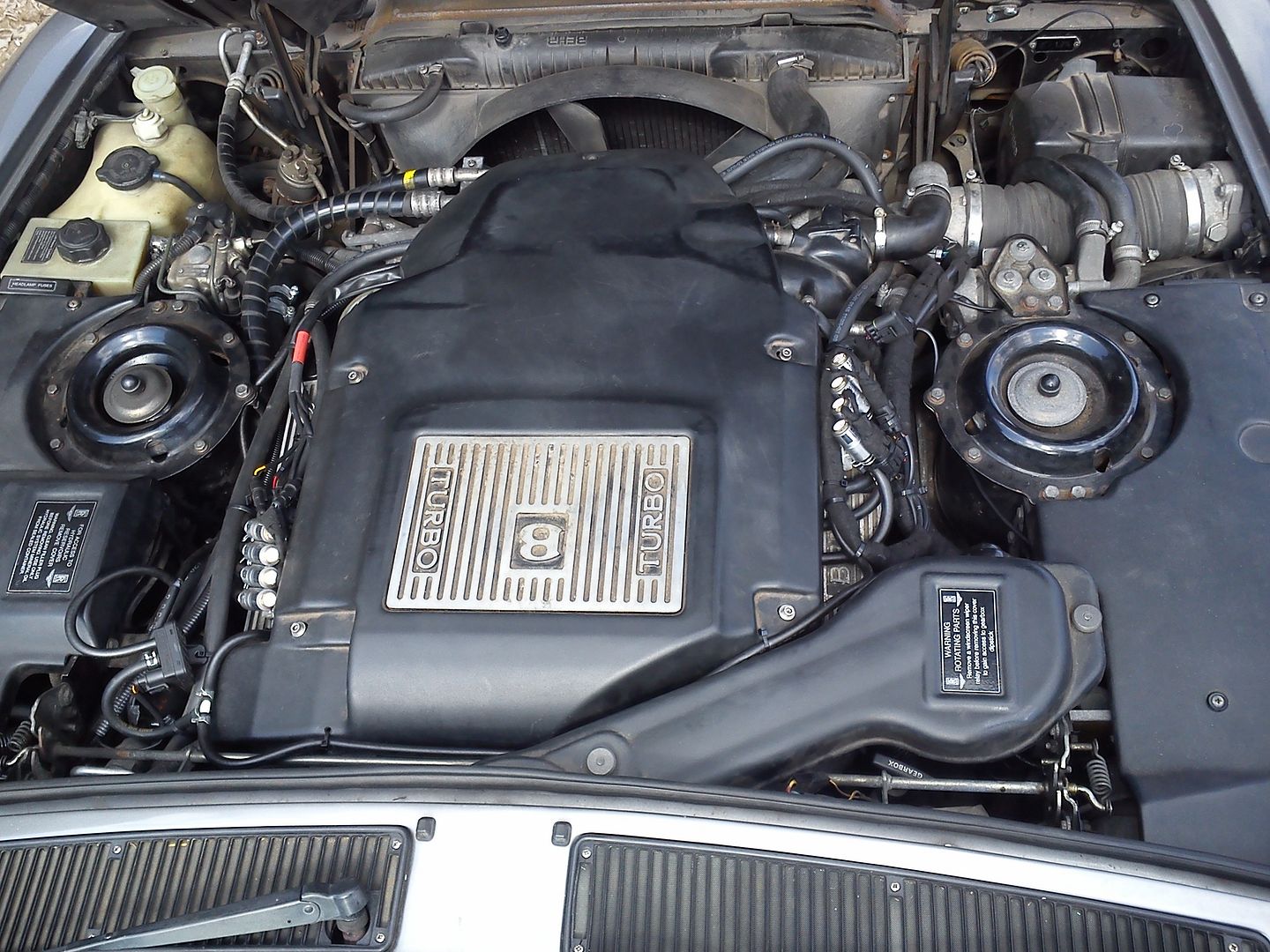
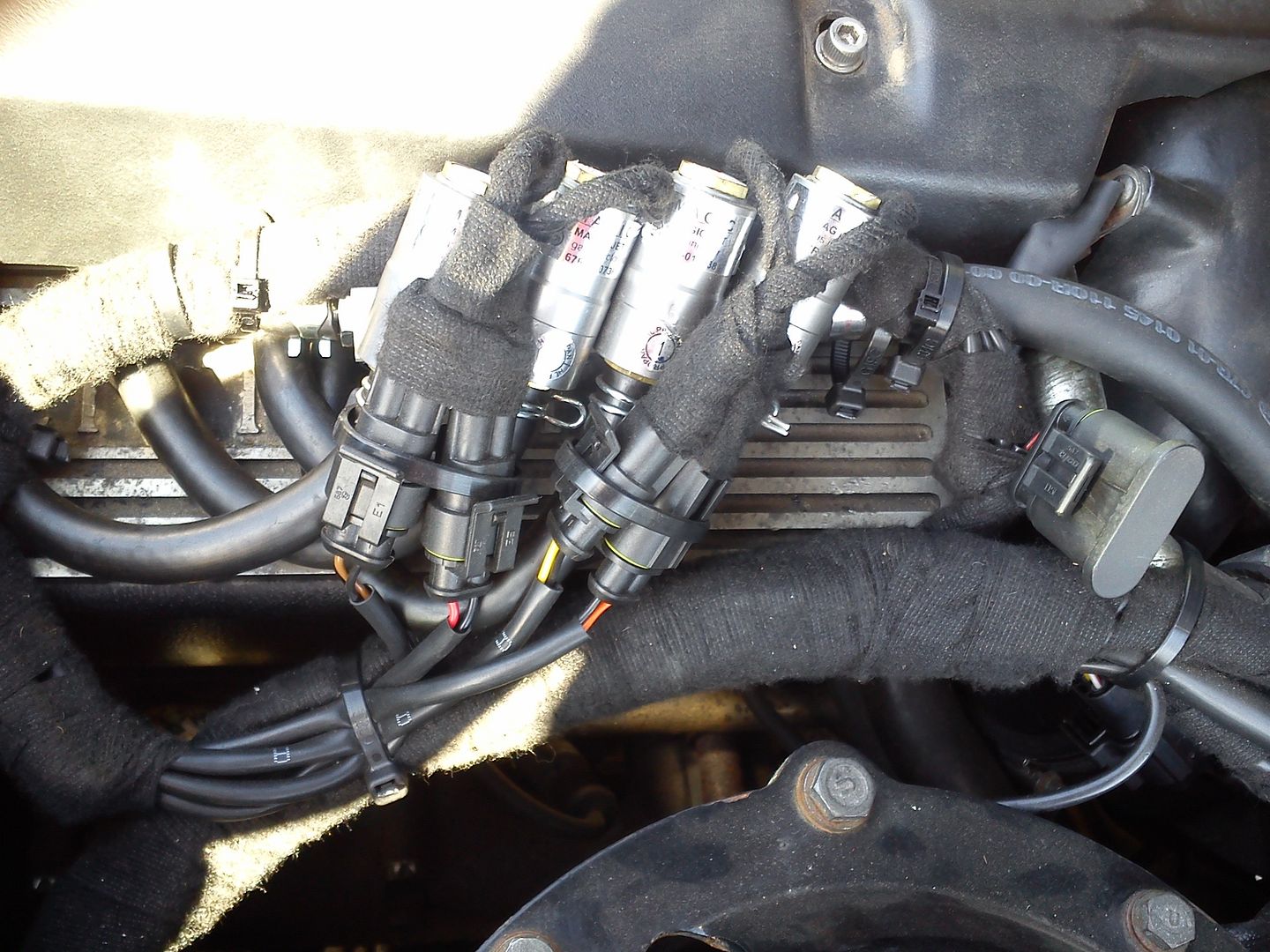
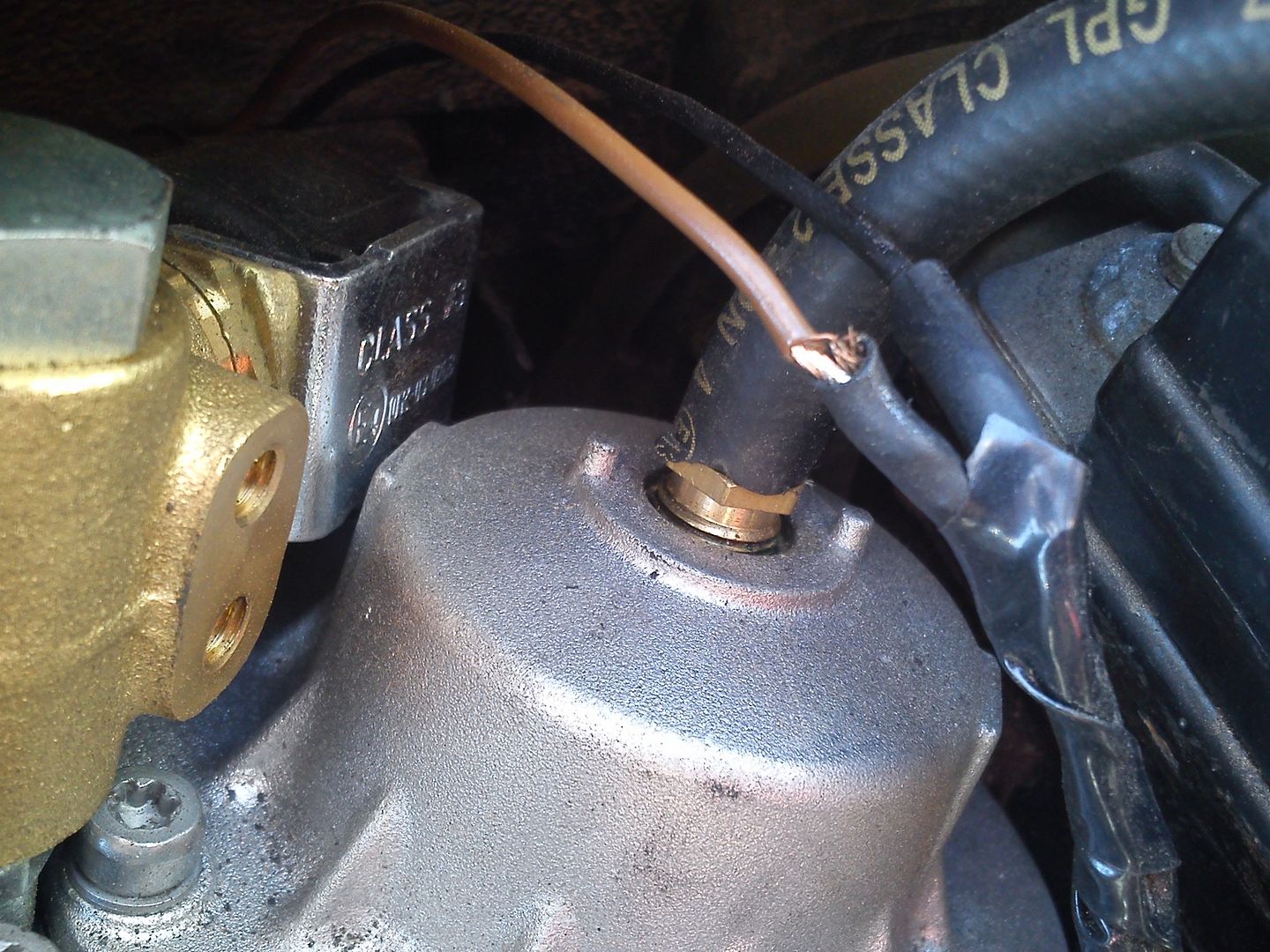
Tried to put this one in the bodged gallery but it wouldn't let me do it from photo bucket... So I thought I'd put it here .....
This one took someone 2 months to get wrong ... Don't know the installer but the car is coming to me to be put right .... Pay cheap . Pay twice
.
.
.
Re: RE UPLOADING PIC'S
Posted: Mon Dec 02, 2013 12:19 am
by classicswede
Would be nice to get this as a sticky one day
Re: RE UPLOADING PIC'S
Posted: Mon Dec 02, 2013 8:42 am
by john_d
classicswede wrote:Would be nice to get this as a sticky one day
only admin can do that

all we can do it bump it every now and again
Re: RE UPLOADING PIC'S
Posted: Mon Dec 02, 2013 9:28 am
by classicswede
I know, we have been through this one before
Re: RE UPLOADING PIC'S
Posted: Tue Dec 03, 2013 9:19 pm
by Speedy999
Does this forum not have an admin ?
Re: RE UPLOADING PIC'S
Posted: Tue Dec 03, 2013 9:23 pm
by john_d
Speedy999 wrote:Does this forum not have an admin ?
every forum has an admin, our's is busy with stiff in his personal life.
Re: RE UPLOADING PIC'S
Posted: Tue Dec 03, 2013 9:34 pm
by john_d
so andy, are u gona tell us who did the install?

Re: RE UPLOADING PIC'S
Posted: Tue Dec 03, 2013 9:41 pm
by andy evans autogas
john_d wrote:so andy, are u gona tell us who did the install?
I'll send you a PM John .....
Re: RE UPLOADING PIC'S
Posted: Mon Feb 03, 2014 3:53 pm
by Gilbertd
Bump
Re: RE UPLOADING PIC'S
Posted: Fri Jun 06, 2014 12:00 am
by Tubbs
It's the top heading In announcements now. Doubtful it still needs bumping !
Re: RE UPLOADING PIC'S
Posted: Fri Jun 06, 2014 8:53 pm
by Gilbertd
Now it's a stickie so won't need bumping again.
Re: RE UPLOADING PIC'S
Posted: Thu Jun 23, 2016 8:43 am
by admin
There are image limitations in place, but not too harsh. In general you can upload a max of 10 at the same time, images should be 800x600 and no larger than 5Mb each.
Damian
Re: RE UPLOADING PIC'S
Posted: Tue Jan 31, 2017 7:03 pm
by classicswede
Photobucket has become hopeless and mega slow. Where is best for hosting now?